Introduction
Artificial intelligence is changing how businesses operate, make decisions, and serve customers. While traditional automation follows predefined rules, AI agents can interpret information, plan actions, use connected tools, and adapt their approach based on the results they receive. This shift is making it possible to automate workflows that previously required constant human involvement.
In 2026, businesses are increasingly exploring AI agent development to streamline operations, improve productivity, reduce repetitive work, and connect multiple business systems. From managing customer inquiries to qualifying sales leads and processing internal requests, autonomous AI systems can coordinate multiple steps within a single workflow.
However, successful implementation requires more than deploying an AI model. Organizations need clearly defined objectives, reliable data, secure integrations, and appropriate human oversight.
This guide explains what AI agents are, how autonomous AI works, which business workflows can benefit from agent-based automation, and how organizations can implement these solutions effectively.
What Are AI Agents?
AI agents are software systems designed to pursue specific goals by observing their environment, reasoning about available information, selecting actions, and evaluating the results.
Unlike conventional automation, which generally executes predefined instructions, an AI agent can use context to determine which action is appropriate within its permitted scope.
For example, a traditional workflow might send the same follow-up email to every new lead. An AI-powered agent could analyze the lead's industry, review previous interactions, identify missing information, draft a personalized follow-up, and recommend the next sales action.
Depending on its configuration and permissions, the agent might execute approved actions automatically or request human approval before proceeding.
Common capabilities of AI agents include:
- Understanding natural-language instructions.
- Retrieving information from business databases and documents.
- Planning and coordinating multi-step tasks.
- Calling APIs and using connected business tools.
- Evaluating task outcomes and adjusting subsequent actions.
- Escalating uncertain or sensitive decisions to human employees.
These capabilities make AI-powered business automation particularly useful for workflows involving multiple systems, changing conditions, and information-based decisions.
How Do Autonomous AI Agents Work?
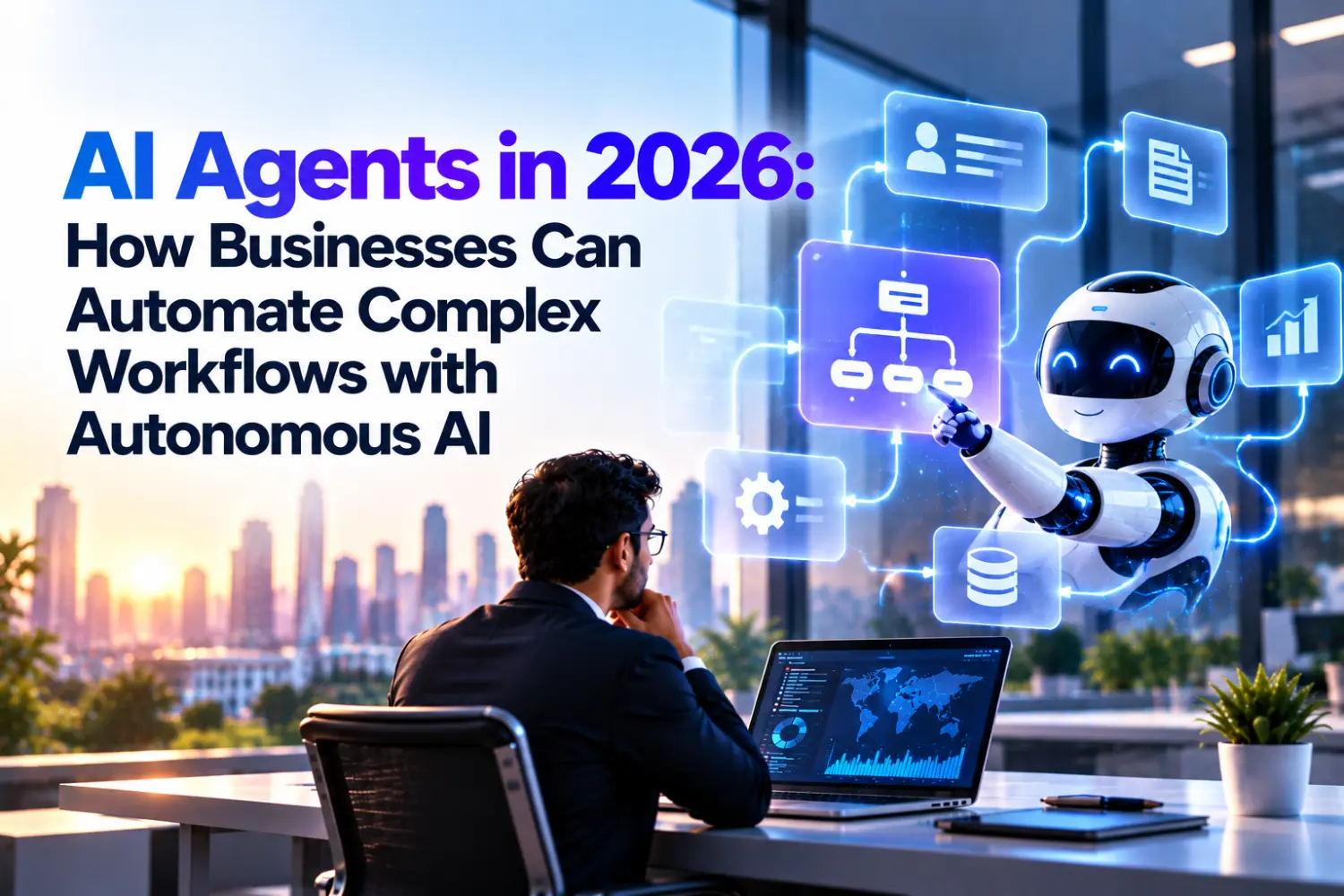
An autonomous AI agent typically combines a language model or other reasoning system with instructions, tools, business context, and mechanisms for controlling its actions.
A typical agent workflow follows these steps.
1. Receive a Goal
The agent receives an objective, such as qualifying an incoming sales lead, resolving a routine support request, or preparing a customer report.
2. Understand the Context
It gathers relevant information from approved sources, such as a CRM, knowledge base, customer conversation, or internal database.
3. Plan the Workflow
The agent identifies the tasks required to achieve the goal. It may break a complex request into smaller steps and determine which tools are needed.
4. Execute Actions
Using authorized integrations, the agent can retrieve records, update fields, draft communications, create tasks, or initiate other permitted operations.
5. Evaluate the Results
The agent checks whether the requested outcome was achieved. If information is missing or an action fails, it may retry within defined limits or choose an alternative approach.
6. Escalate When Necessary
When the request exceeds its permissions, involves significant risk, or lacks sufficient information, the agent can ask for clarification or transfer the task to a human employee.
The exact process depends on the system architecture. Not every AI agent has persistent memory, unrestricted autonomy, or the ability to learn continuously. These features must be deliberately designed and governed.
AI Agents vs. Traditional Automation: What's the Difference?
Traditional automation and AI agents serve different purposes. The best solution often combines both rather than replacing one with the other.
| Feature | Traditional Automation | AI Agents |
|---|---|---|
| Decision-making | Predetermined rules | Context-sensitive reasoning within defined limits |
| Workflow structure | Mostly fixed | Can adapt task sequences |
| Data handling | Structured inputs are common | Can interpret structured and unstructured information |
| Handling exceptions | Requires predefined rules | May assess exceptions and propose alternatives |
| Tool usage | Configured integrations | Can select from authorized tools |
| Human involvement | Depends on workflow design | Can escalate uncertainty or high-risk actions |
| Human involvement | Depends on workflow design | Can escalate uncertainty or high-risk actions |
For example, automatically generating an invoice after a payment is confirmed may be best handled by conventional automation. Investigating a complex billing complaint across several systems may benefit from an AI agent, with approval required for financial adjustments.
Businesses should choose the simplest reliable approach for each task.
Top Business Workflows AI Agents Can Automate in 2026
AI agents can support several departments when they are connected to appropriate business systems and given clearly defined responsibilities.
1. Sales and Lead Generation
Sales teams often spend significant time researching prospects, updating CRM records, qualifying leads, and preparing follow-up messages.
An AI sales agent can help automate these activities by:
- Collecting and organizing incoming lead information.
- Enriching lead records using approved data sources.
- Assessing lead fit against predefined qualification criteria.
- Drafting personalized email or messaging follow-ups.
- Updating CRM records and scheduling sales tasks.
- Recommending the next action based on customer engagement.
For example, when a prospect submits a website inquiry, an agent could classify the request, identify the relevant product, prepare a tailored response, and assign the lead to the appropriate sales representative.
Solutions built around AI sales automation and lead generation automation can help teams respond more consistently while allowing sales professionals to focus on relationship-building and closing opportunities.
2. Customer Support and Service Management
Customer service workflows frequently involve repetitive questions, order-status requests, troubleshooting, and coordination between departments.
An AI support agent can retrieve approved answers from a knowledge base, summarize a customer's issue, classify the request, and recommend a resolution.
When connected to authorized systems, it may also create support tickets, check service status, or route requests to the correct team.
For more advanced implementations, AI chatbot development can provide the conversational interface, while agent-based orchestration handles tasks that require several tools or workflow steps.
Human support staff should remain available for complaints, sensitive information, uncertain answers, and issues requiring judgment or exceptions.
3. Marketing Operations and Campaign Management
Marketing teams manage campaign planning, audience segmentation, content production, reporting, and lead nurturing across multiple platforms.
AI agents can assist by analyzing campaign data, identifying patterns, generating content drafts, organizing audience segments, and preparing performance summaries.
For example, an agent could review campaign results, identify a decline in qualified leads, summarize possible causes, and suggest adjustments for a marketing manager to approve.
Integrated AI-powered marketing automation can reduce manual coordination between marketing tools and help teams make better-informed campaign decisions.
Marketing claims, brand messaging, customer consent, and campaign budgets should remain subject to appropriate review and controls.
4. Finance and Invoice Processing
Finance teams frequently handle invoice extraction, document validation, expense categorization, payment-status inquiries, and reconciliation exceptions.
An AI agent can extract information from invoices, compare records against purchase orders, flag discrepancies, and prepare an exception report for the finance team.
For instance, if an invoice amount does not match an approved purchase order, the agent can identify the difference and route the case for review instead of processing it automatically.
Because financial workflows involve sensitive data and potentially irreversible actions, payments, refunds, and accounting adjustments should use strict authorization rules and human approval where appropriate.
5. Human Resources and Recruitment
Recruitment workflows include candidate screening, interview coordination, application tracking, communication, and onboarding.
AI agents can help organize applications, identify missing documents, answer routine candidate questions, coordinate interview availability, and prepare recruitment summaries.
Integrated AI recruitment solutions and applicant tracking systems can reduce administrative work for recruiters.
However, candidate evaluation requires particular care. Automated screening should be monitored for bias, job relevance, accessibility, and compliance with applicable employment laws. Important hiring decisions should not be delegated blindly to an AI system.
6. IT Operations and Internal Workflows
IT departments receive requests for access, software support, troubleshooting, account updates, and incident investigation.
An AI agent can classify incoming tickets, search internal documentation, gather diagnostic information, and recommend or perform approved remediation steps.
A multi-agent workflow could coordinate a monitoring agent, a diagnostic agent, and a ticket-management agent to investigate an alert and prepare an incident report.
For high-impact changes, such as modifying production infrastructure or changing access privileges, execution should require explicit permissions, validation, and appropriate approval.
7. Document Processing and Knowledge Management
Organizations generate large volumes of contracts, policies, reports, proposals, emails, and operational documents.
With Retrieval-Augmented Generation (RAG) and secure document retrieval, AI agents can search approved information sources, summarize documents, extract relevant details, and draft responses grounded in internal knowledge.
For example, an employee could ask an internal agent to locate the latest expense policy, compare it with a submitted claim, and explain which details need correction.
Access controls, source citations, document versioning, and confidentiality rules help make these workflows more dependable.
Single AI Agents vs. Multi-Agent Systems
A single AI agent is often sufficient for a clearly defined workflow. More complex operations may benefit from multiple specialized agents coordinated by a central workflow or orchestration layer.
Single-Agent Architecture
One agent handles a task using a defined set of tools. This approach is generally easier to test, monitor, and maintain.
Example: A customer-support agent retrieves an answer from a knowledge base and creates a support ticket when necessary.
Multi-Agent Architecture
Several agents work on separate responsibilities and share relevant results through a controlled coordination mechanism.
Example: A lead-management workflow could include:
- A research agent that gathers approved prospect information.
- A qualification agent that assesses fit against business criteria.
- A communication agent that drafts a personalized follow-up.
- A CRM agent that updates records and creates tasks.
A coordinator manages the workflow, validates outputs, and handles failures or escalations.
Multi-agent systems can improve modularity, but they also introduce more complexity, integration requirements, latency, and potential failure points. Businesses should adopt them only when the workflow benefits justify the additional overhead.
Key Benefits of AI Agent Automation for Businesses
Increased Operational Efficiency
Agents can handle repetitive information-gathering and coordination tasks, helping employees spend more time on activities that require expertise and judgment.
Faster Workflow Completion
By coordinating several authorized tools, an agent can reduce delays between workflow stages and help teams respond more quickly.
Improved Consistency
Clearly defined instructions, validation rules, and standardized workflows can improve consistency in routine processes.
Better Use of Business Data
AI agents can connect information from approved systems to prepare summaries, identify missing details, and support operational decisions.
Scalable Operations
Businesses can expand automation across additional workflows when performance, cost, security, and quality remain within acceptable limits.
More Responsive Customer Experiences
When properly integrated with CRM and communication platforms, agents can support faster responses and more personalized interactions.
These benefits are not automatic. Actual results depend on workflow suitability, data quality, integration reliability, operational controls, and ongoing evaluation.
Challenges and Risks of Autonomous AI
Giving an AI system the ability to take actions introduces risks that businesses must address before deploying it in production.
Incorrect or Unsupported Outputs
AI agents may produce inaccurate conclusions or misinterpret business context. Use approved data sources, structured validation, confidence thresholds where meaningful, and human review for consequential decisions.
Data Privacy and Security
Agents may access customer records, confidential documents, or internal systems. Apply least-privilege access, encryption, secure credential management, and clear data-retention policies.
Excessive Autonomy
An agent should not have unrestricted permission to send sensitive communications, approve payments, delete records, or modify critical systems. Limit its available tools and require approval for high-impact actions.
Integration Failures
APIs may be unavailable, records may be outdated, or an operation may execute twice. Use retries with limits, audit logs, idempotency controls where appropriate, and recovery procedures.
Prompt Injection and Untrusted Inputs
Malicious instructions hidden in documents, emails, or web content can attempt to manipulate an agent. Treat retrieved content as untrusted data, separate it from system instructions, restrict tool permissions, and validate actions before execution.
Unclear Return on Investment
A technically impressive agent may not create meaningful business value if the workflow is infrequent or inexpensive to perform manually. Measure time saved, error rates, service quality, operating costs, and total cost of ownership before scaling.
How to Implement AI Agents in Your Business
A structured implementation approach helps organizations move from experimentation to reliable business automation.
Step 1: Identify the Right Workflow
Start with a process that has clear business value, measurable outcomes, sufficient digital data, and manageable risk.
Good starting points include ticket classification, lead enrichment, document extraction, internal knowledge search, and report preparation.
Step 2: Map the Existing Process
Document the workflow's inputs, outputs, decision points, exceptions, system dependencies, and approval requirements.
Determine which steps require genuine reasoning and which can be handled more reliably by ordinary automation.
Step 3: Choose the Appropriate AI Architecture
Depending on the use case, the solution might combine a language model, conventional business rules, APIs, a workflow engine, and a retrieval system.
Use a single agent for focused tasks and consider a multi-agent approach only when distinct responsibilities or coordination requirements justify it.
Step 4: Integrate Business Systems
Connect the agent to the relevant CRM, ERP, help desk, database, communication platform, or document repository through secure, permission-controlled interfaces.
Integration design should include error handling, logging, authentication, and data validation.
Step 5: Establish Governance and Human Oversight
Define what the agent may read, recommend, change, approve, or execute. Establish clear approval requirements, escalation rules, audit trails, and a way to stop or disable automated actions.
Step 6: Test with Realistic Scenarios
Test normal requests, missing information, conflicting records, malicious inputs, API failures, and unexpected outcomes.
Evaluate accuracy, task completion, cost per successful task, latency, security, and the frequency of human intervention.
Step 7: Launch Gradually and Improve
Begin with a limited pilot, monitor its performance, and collect feedback from employees and customers. Expand the agent's permissions and scope only when the evidence supports doing so.
Businesses exploring custom AI development can benefit from an implementation partner that understands business processes, application integrations, security, and ongoing maintenance.
Measuring the ROI of AI Agents
Before deployment, define a baseline using current workflow performance. After implementation, compare the results against the same metrics.
| Metric | What It Measures |
|---|---|
| Average handling time | Time required to complete a task |
| Task completion rate | Percentage of tasks completed successfully |
| Error rate | Frequency of incorrect or failed outcomes |
| Human escalation rate | Percentage of tasks requiring human intervention |
| Cost per successful task | Total operating cost divided by successful completions |
| Customer satisfaction | Customer feedback on the service experience |
| Processing time | Time from request initiation to completion |
A practical ROI calculation is:
Net ROI (%) = (Financial Benefits − Total Costs) ÷ Total Costs × 100
Total costs should include model usage, software subscriptions, integrations, development, monitoring, security, and human review.
Financial benefits should reflect measurable gains, such as reduced processing costs, additional realized revenue, or avoided operational expenses. Time saved should not automatically be counted as cash savings unless it produces a demonstrable financial benefit.
The Future of AI Agent Development in 2026
AI agent development is progressing toward more connected, tool-enabled systems that can coordinate business activities across applications. Several trends are shaping enterprise adoption.
Greater Integration with Enterprise Applications
Agents are increasingly designed to work with CRM platforms, enterprise software, communication tools, and internal databases rather than operating as isolated chat interfaces.
More Specialized Agents
Organizations can deploy focused agents for specific functions, with clearly defined responsibilities, tool access, and success criteria.
Improved Governance and Observability
Monitoring, traceability, evaluations, access controls, and approval mechanisms are becoming central considerations for production AI systems.
Combining AI with Deterministic Automation
A practical architecture uses AI for interpretation and flexible decision support while relying on conventional software rules for calculations, permissions, validation, and other predictable operations.
Human-Agent Collaboration
Rather than removing people from every process, effective systems delegate routine work to AI and reserve complex decisions, exceptions, and accountability for qualified employees.
The most effective implementations will be those that solve real business problems while remaining secure, measurable, maintainable, and aligned with organizational goals.
How True Value Infosoft Can Help
Businesses adopting autonomous AI need solutions that connect intelligent capabilities with real operational requirements. This includes identifying suitable workflows, designing secure integrations, implementing business logic, and evaluating performance after deployment.
True Value Infosoft provides software development and AI-focused technology services that businesses can explore when planning their automation initiatives. Depending on project requirements, a tailored solution may combine AI capabilities, application development, data integration, conversational interfaces, and workflow automation.
Organizations considering an implementation can explore AI development services, AI agent development, AI chatbot development, custom software development, and business process automation to identify an approach suited to their operations.
A well-designed AI agent should do more than generate answers. It should help complete defined business tasks reliably, respect permissions, provide visibility into its actions, and involve people whenever necessary.
Conclusion
AI agents are creating new opportunities for businesses to automate complex workflows that involve information gathering, contextual reasoning, and coordination across multiple systems.
From sales and customer support to finance, recruitment, IT operations, and document management, autonomous AI can reduce repetitive work and improve workflow efficiency when implemented with the right controls.
The key is to start with a specific business problem, select the appropriate architecture, integrate reliable data sources, establish security and approval mechanisms, and measure outcomes before expanding.
Ready to explore AI agent automation for your business? Connect with True Value Infosoft to discuss your workflow requirements and discover how tailored AI and software solutions can support your organization's next stage of digital transformation.