Introduction
Healthcare is becoming increasingly digital, and mobile applications are playing an important role in this transformation. Patients now expect convenient access to healthcare services, while hospitals, clinics, healthcare startups, and medical professionals need technology that helps them manage appointments, communication, records, and operations more efficiently.
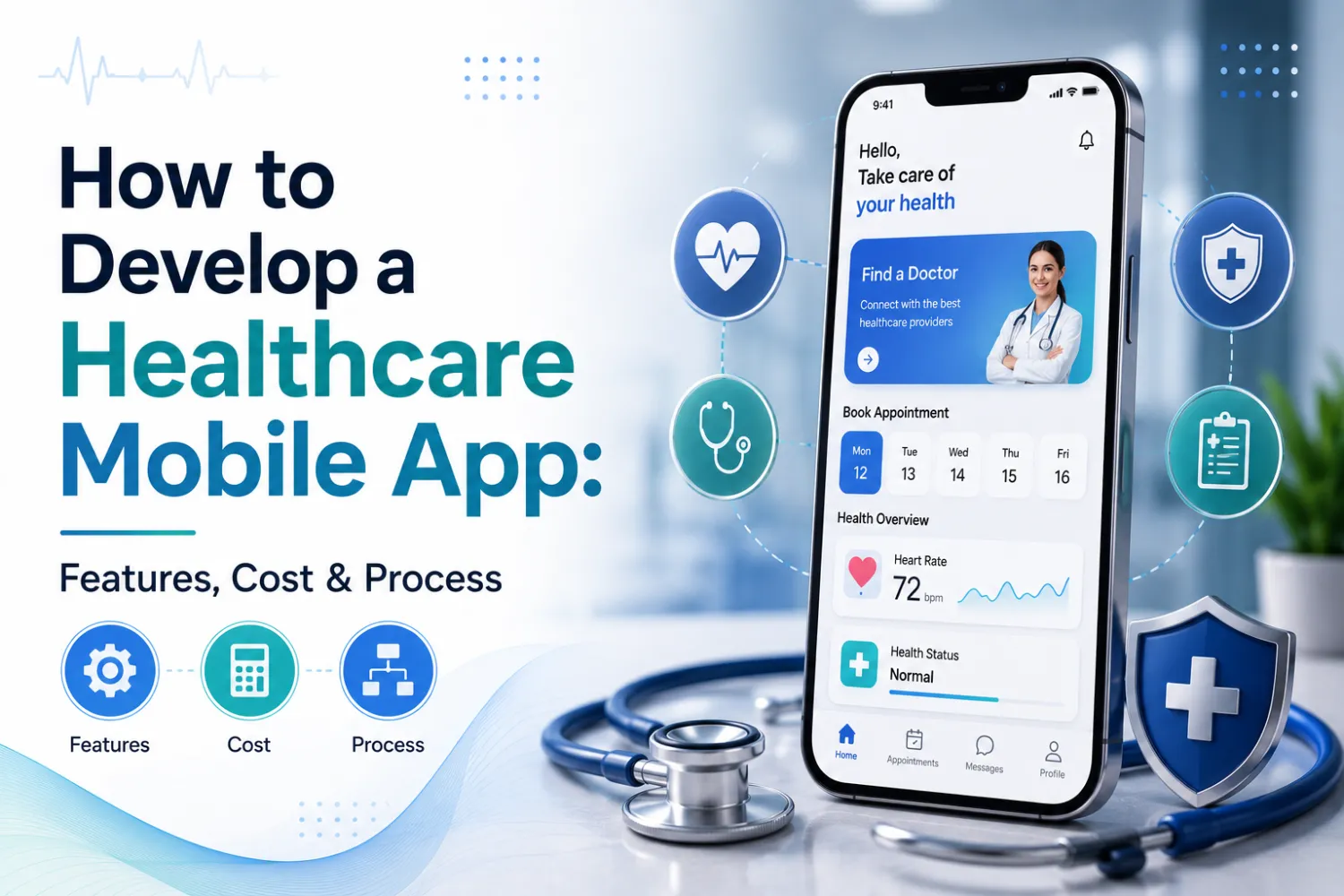
A healthcare mobile app can make it easier for patients to book appointments, consult healthcare professionals remotely, access reports, receive reminders, and manage their healthcare journey from a smartphone.
However, developing a successful healthcare app requires more than an attractive interface. Businesses need to carefully consider features, user experience, data security, system integrations, scalability, and the specific requirements of their healthcare services.
In this guide, we explain how to develop a healthcare mobile app, including the essential features, development process, key factors affecting cost, and how businesses can choose the right technology partner.
What Is a Healthcare Mobile App?
A healthcare mobile app is a mobile application designed to support healthcare-related services, communication, administration, or patient engagement.
These applications can be developed for:
- Hospitals
- Clinics
- Healthcare startups
- Doctors and medical professionals
- Diagnostic centers
- Pharmacies
- Wellness providers
- Patients and caregivers
Depending on the purpose of the application, a healthcare app can provide services such as appointment scheduling, telemedicine, health monitoring, digital records, medication reminders, or healthcare communication.
The most successful apps focus on solving a specific problem for users instead of trying to include every possible feature in the first version.
Types of Healthcare Mobile Apps
Before starting development, businesses should identify the type of healthcare application they want to build.
1. Appointment Booking Apps
These apps allow patients to:
- Find healthcare professionals
- Check availability
- Book appointments
- Reschedule or cancel visits
- Receive appointment reminders
Appointment apps can help reduce manual scheduling work and create a more convenient experience for patients.
2. Telemedicine Apps
Telemedicine applications enable remote communication between patients and healthcare professionals.
Common features include:
- Video consultations
- Appointment scheduling
- Secure messaging
- Notifications
- Payment integration
- Consultation history
- Digital document sharing
Telemedicine is especially useful for organizations looking to make healthcare services more accessible beyond physical locations.
3. Patient Management Apps
A patient-focused application can help users access and manage relevant healthcare information.
Depending on the system and permissions, features may include:
- Personal profiles
- Appointment history
- Medical documents
- Test reports
- Prescriptions
- Treatment information
- Notifications
Because these applications can handle sensitive information, security and access control should be considered from the beginning.
4. Health and Wellness Apps
These apps may focus on helping users manage wellness goals and daily activities.
Examples include:
- Fitness tracking
- Nutrition management
- Wellness programs
- Activity monitoring
- Habit tracking
- Personalized content
5. Remote Patient Monitoring Apps
Remote monitoring applications can connect with approved devices or collect information provided by users.
Potential capabilities include:
- Health data tracking
- Device integration
- Data visualization
- Notifications
- Trend analysis
- Communication with healthcare teams
The appropriate design and level of professional oversight will depend on the application's intended use.
Essential Features of a Healthcare Mobile App
The right features depend on your business model and target users. However, the following are commonly considered when developing a modern healthcare application.
1. Simple and Secure Registration
Users should be able to create and access their accounts easily.
The authentication system may include:
- Email or phone-based registration
- Secure passwords
- One-time verification
- Multi-factor authentication where appropriate
- Role-based access
Different users, such as patients, doctors, and administrators, may require different access levels.
2. User Profiles
A profile section can help organize relevant information for each user.
For patients, this may include:
- Basic personal details
- Appointment information
- Relevant documents
- Communication preferences
For doctors or healthcare professionals, profiles may include:
- Professional details
- Specialization
- Availability
- Appointment schedules
3. Appointment Scheduling
Appointment management is one of the most valuable features of many healthcare apps.
A good scheduling system can allow users to:
- View available slots
- Book appointments
- Receive confirmations
- Reschedule appointments
- Cancel appointments
- Receive automated reminders
When integrated with hospital or clinic systems, appointment information can be synchronized across relevant platforms.
4. Telemedicine and Video Consultation
For remote healthcare services, video consultation can be a central feature.
The app may support:
- Secure video sessions
- Consultation scheduling
- In-app communication
- Session notifications
- Follow-up workflows
The technical requirements will depend on the organization's specific use case and applicable requirements.
5. Push Notifications and Reminders
Notifications help keep users informed and engaged.
They can be used for:
- Appointment reminders
- Booking confirmations
- Follow-up notifications
- Report availability
- Medication reminders
- Important service updates
Notifications should be useful and timely rather than excessive.
6. Secure Messaging
Messaging can help patients communicate with authorized healthcare teams or support staff.
A messaging system may support:
- General inquiries
- Administrative support
- Appointment-related communication
- Document sharing, where appropriate
Clear escalation processes should be included for situations that require human assistance.
7. Digital Reports and Documents
Patients may benefit from secure access to relevant documents through the app.
This could include:
- Test reports
- Prescriptions
- Consultation documents
- Other approved healthcare records
Access should be protected through appropriate authentication and permissions.
8. Payment Integration
If the application includes paid services, businesses may integrate secure payment options for:
- Consultation fees
- Appointment charges
- Healthcare packages
- Other approved services
The payment experience should be simple and integrated smoothly into the overall user journey.
9. Admin Dashboard
A mobile app often requires a web-based admin panel to manage operations.
Administrators may need to manage:
- Users
- Healthcare professionals
- Appointments
- Content
- Notifications
- Reports
- Service information
A well-designed admin dashboard can make the entire system easier to operate and scale.
Advanced Features to Consider in 2026
As healthcare technology continues to evolve, businesses may also consider advanced features based on their requirements.
AI-Powered Assistance
AI can help automate appropriate tasks such as:
- Answering administrative questions
- Guiding users through app processes
- Intelligent search
- Workflow automation
- Document organization
AI systems should have clear boundaries and escalation mechanisms, especially when dealing with sensitive or high-impact healthcare situations.
Wearable and Device Integration
Healthcare apps can potentially integrate with approved devices to collect relevant information.
This may support:
- Activity tracking
- Device data visualization
- Health monitoring workflows
- User-generated data collection
Personalized User Experiences
Applications can personalize content and communication based on appropriate user preferences and authorized data.
Examples include:
- Relevant reminders
- Personalized health programs
- Recommended services
- Customized app journeys
Privacy and user consent should remain important parts of personalization.
Analytics and Reporting
Analytics can help healthcare organizations understand how their application is being used.
Useful insights may include:
- Appointment trends
- User engagement
- Feature usage
- Service demand
- Operational performance
These insights can support better product and business decisions.
Healthcare Mobile App Development Process
A structured process helps reduce risks and ensures that the application is aligned with business goals.
Step 1: Define Your Business Goals
Start by identifying the problem your app will solve.
Ask questions such as:
- Who are the target users?
- What challenge are they facing?
- What services will the app provide?
- How will the app fit into existing workflows?
- What makes the app valuable to users?
A clear problem statement helps prevent unnecessary features and development costs.
Step 2: Conduct Market and User Research
Understanding users is essential.
Research may include:
- Target audience analysis
- Competitor research
- User interviews
- Existing workflow analysis
- Feature prioritization
The goal is not to copy another healthcare application but to understand what users need and identify opportunities for improvement.
Step 3: Define Features and Build an MVP
A Minimum Viable Product (MVP) includes the core features needed to validate the idea.
For example, an MVP for a telemedicine app might include:
- User registration
- Doctor profiles
- Appointment booking
- Video consultation
- Notifications
More advanced features can be added after gathering user feedback.
This approach can help businesses control costs and reach the market faster.
Step 4: Plan the UI/UX Design
Healthcare applications should be simple and easy to navigate.
The design should consider different types of users, including:
- Patients
- Elderly users
- Healthcare professionals
- Administrative teams
Important principles include:
- Clear navigation
- Readable typography
- Simple forms
- Accessible interfaces
- Clear calls to action
A complicated interface can reduce adoption, even if the technology behind it is advanced.
Step 5: Choose the Right Technology
The technology stack depends on the project requirements.
Businesses may choose:
Native App Development
Separate applications developed specifically for Android and iOS.
Cross-Platform Development
A single codebase that supports multiple platforms, depending on the chosen technology and project requirements.
The right approach depends on factors such as performance requirements, budget, development timeline, future scalability, and required device capabilities.
Step 6: Develop the Application
The development stage typically includes:
- Mobile frontend development
- Backend development
- Database development
- API development
- Third-party integrations
- Admin panel development
Agile development can allow businesses to review progress throughout the project and provide feedback at important milestones.
Step 7: Integrate Existing Systems
Many healthcare applications need to connect with other platforms.
Possible integrations include:
- Hospital management systems
- Appointment systems
- Payment gateways
- Video communication platforms
- Laboratory systems
- Notification services
- CRM platforms
- Approved third-party APIs
Integration planning should happen early because it can affect both development timelines and architecture.
Step 8: Test the Application
Thorough testing is essential before launch.
Testing may include:
- Functional testing
- Usability testing
- Security testing
- Performance testing
- API testing
- Device compatibility testing
The goal is to ensure that the application works reliably under real-world conditions.
Step 9: Launch and Monitor
After testing, the app can be released to the appropriate platforms.
However, development does not end after launch.
Businesses should continue to monitor:
- App performance
- User feedback
- Technical issues
- Security updates
- Feature adoption
Regular updates can help the application continue to meet changing business and user needs.
How Much Does Healthcare Mobile App Development Cost?
The cost of developing a healthcare mobile app can vary significantly depending on the project.
Important factors include:
App Complexity
A basic appointment app will generally require less development effort than a large healthcare platform with multiple user roles and integrations.
Number of Features
More features usually require additional development, testing, and maintenance.
Platform
Developing for Android, iOS, or both platforms can affect the overall project scope.
UI/UX Requirements
Custom and complex user interfaces may require additional design and development work.
Integrations
Connecting the app with existing systems, APIs, payment platforms, or other services can increase complexity.
Security Requirements
Healthcare applications may require additional security features and testing depending on the data and services involved.
AI and Advanced Technologies
Features such as AI assistants, intelligent automation, predictive analytics, or device integration can affect development costs.
General Cost Approach
Instead of focusing only on a fixed price, businesses should first define the scope and build a prioritized roadmap.
A practical approach is:
Discovery → MVP → User Feedback → Scale
This allows businesses to validate the idea before investing in a larger platform.
Key Challenges in Healthcare Mobile App Development
1. Data Privacy and Security
Healthcare applications may process sensitive information. Businesses need to consider secure authentication, access controls, data protection, and secure system architecture.
2. Integration Complexity
Healthcare organizations may already use multiple systems that do not easily communicate with one another.
A well-planned API and integration strategy can help create a more connected digital ecosystem.
3. User Adoption
Healthcare apps must be easy to use for people with different levels of technical experience.
Good UI/UX design is therefore a business requirement—not just a design consideration.
4. Scalability
An application may begin with one clinic or location and later expand to multiple locations and thousands of users.
The architecture should be designed with future growth in mind.
5. Regulatory Requirements
Healthcare requirements vary depending on the country, region, type of organization, and intended use of the application.
Businesses should identify applicable obligations early and work with appropriate legal and compliance professionals when needed.
Best Practices for Developing a Healthcare Mobile App
To improve the chances of success, businesses should follow these principles:
Start With the User
Focus on the problems patients and healthcare teams actually experience.
Build Security Into the Foundation
Do not treat security as a feature that can simply be added at the end.
Start With an MVP
Launch essential features first and expand based on real feedback.
Plan Integrations Early
Understand how the app will connect with existing systems before development begins.
Keep the Experience Simple
Users should be able to complete important tasks with minimal effort.
Design for Scalability
Choose an architecture that can grow with the business.
Maintain and Improve
Continuous updates, monitoring, and support are essential for long-term success.
Why Choose True Value Infosoft for Healthcare Mobile App Development?
Building a healthcare application requires a combination of mobile development, custom software engineering, user experience design, API integration, and emerging technology expertise.
True Value Infosoft helps businesses develop customized digital solutions based on their specific workflows and objectives.
Depending on the project, our capabilities can support:
- Healthcare mobile app development
- Android and iOS app development
- Cross-platform application development
- Custom software development
- Web application development
- Healthcare workflow automation
- AI-powered solutions
- API and third-party integrations
- Cloud-based solutions
- UI/UX design
- Ongoing maintenance and support
Rather than treating every project as a standard application, the focus should be on understanding the business requirements and building a scalable solution around them.
Whether you are a healthcare startup developing a new digital product or an established organization modernizing your services, a custom technology solution can help create better experiences for users and improve operational efficiency.
Conclusion
Healthcare mobile applications are transforming how patients and healthcare organizations interact with digital services.
From appointment booking and telemedicine to patient communication, digital records, AI-powered assistance, and healthcare workflow automation, mobile technology offers significant opportunities for businesses in the healthcare sector.
However, successful healthcare app development requires careful planning. Businesses should start with a clear problem, define the right features, prioritize security and usability, and choose a development approach that supports future growth.
True Value Infosoft can help turn your healthcare app idea into a practical, scalable digital solution—from strategy and UI/UX design to mobile app development, integrations, deployment, and ongoing support.
Ready to build a healthcare mobile app? Contact True Value Infosoft and discuss your project with our technology experts.