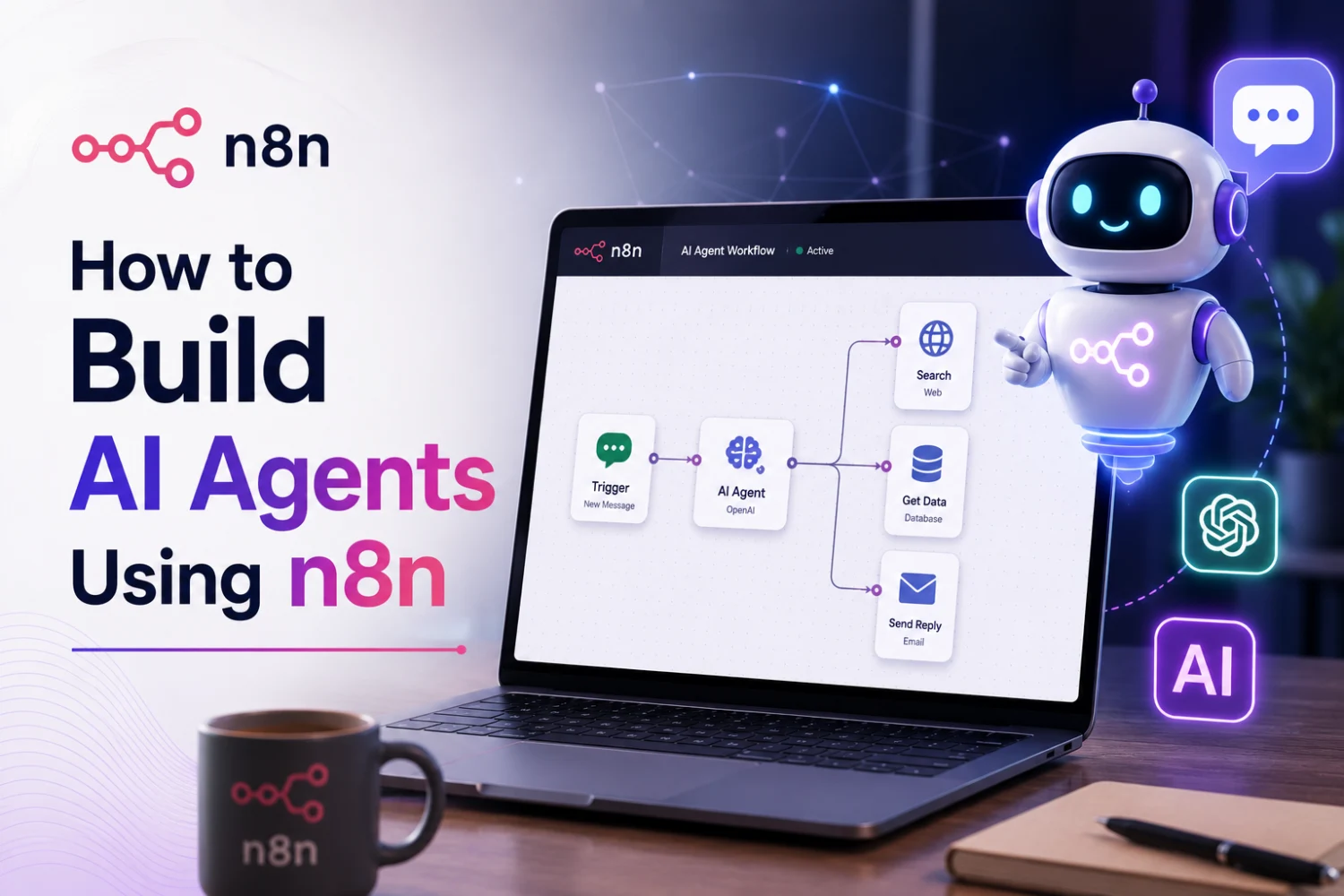
Introduction
AI agents are moving beyond simple question-and-answer chatbots. Businesses are increasingly using them to understand requests, retrieve information, make decisions, interact with business systems, and complete tasks with limited human intervention.
The challenge is that building a production-ready AI agent from scratch can involve multiple technologies: large language models, APIs, databases, memory systems, authentication, business logic, monitoring, and integrations.
This is where n8n can simplify the development process.
n8n combines a visual workflow builder with AI agents, tools, memory, integrations, APIs, and custom logic. Its current AI-agent capabilities allow developers to create an agent, connect an LLM and memory, give the agent tools, and then test and refine the workflow.
For businesses, this means an AI agent can become more than a chatbot. It can become an automation layer that connects conversations with real business actions.
In this guide, we'll explain how to build AI agents using n8n, what components you need, practical use cases, implementation steps, and best practices for taking an n8n AI agent from prototype to production.
What Is an AI Agent?
An AI agent is a software system that uses an AI model to understand a goal, decide what actions are needed, use available tools, and produce an outcome.
A traditional chatbot might work like this:
User Question → AI Model → Answer
An AI agent can work more like this:
User Request → Understand Intent → Decide Action → Use Tool → Retrieve Data → Perform Task → Respond
For example, imagine a customer asks:
"Can you check my order and tell me when it will arrive?"
An AI agent could:
- Understand the customer's request.
- Identify the order number.
- Query the order database.
- Retrieve the latest shipment status.
- Interpret the information.
- Respond to the customer.
n8n is useful here because the agent can be connected to the tools and workflows required to perform these actions. n8n describes its AI agents as systems that can interact with APIs, CRMs, emails, files, databases, and other services rather than simply generating text.
Why Use n8n to Build AI Agents?
Building an AI agent involves more than selecting an LLM. You need a framework for connecting the model to the systems where useful actions happen.
n8n provides several important building blocks.
Visual Workflow Builder
You can visually connect triggers, AI nodes, tools, databases, APIs, and business logic.
AI Agent Node
The AI Agent node provides the core decision-making component of an agent workflow.
AI Models
Agents can connect to supported language-model providers depending on the workflow requirements.
Tools
Tools give the agent capabilities such as searching data, querying databases, calling APIs, calculating values, or triggering another workflow. n8n currently provides a dedicated AI tools ecosystem with options including vector stores, calculators, code tools, databases, and workflow tools.
Memory
Memory allows an agent to retain relevant conversation context. n8n supports memory integrations including Simple Memory, Redis, Postgres, MongoDB, and other options.
Integrations
n8n can connect agents with business applications and services, allowing AI to become part of an operational workflow rather than a standalone interface.
Basic Architecture of an n8n AI Agent
A simple AI agent can be visualized as:
User Input
↓
Trigger
↓
AI Agent
↓
LLM + Memory + Tools
↓
Business Systems
↓
Action / Response
For example:
WhatsApp Message
↓
n8n Trigger
↓
AI Agent
↓
CRM + Knowledge Base + Booking API
↓
Personalized Response
This architecture can be adapted to customer support, sales, hospitality, HR, e-commerce, finance, and many other industries.
Step-by-Step: How to Build an AI Agent Using n8n
Step 1: Define the Agent's Business Goal
Before opening n8n, define what the agent should actually accomplish.
Avoid vague goals such as:
"Build an AI assistant."
Instead, define a specific outcome:
"Build an AI sales assistant that qualifies incoming leads, checks CRM information, answers product questions, and schedules qualified meetings."
A clear goal makes it easier to determine:
- What information the agent needs
- Which tools it requires
- What actions it is allowed to perform
- When human approval is necessary
- How success will be measured
Step 2: Choose an Input or Trigger
Every agent needs a way to receive information.
Possible triggers include:
- Chat
- Webhooks
- Website forms
- WhatsApp messages
- Telegram
- CRM events
- Scheduled workflows
- API requests
For a conversational assistant, n8n's Chat Trigger can be used to initiate the interaction. n8n's own AI-agent guidance demonstrates the use of a chat trigger together with an AI Agent, memory, and an AI model.
Step 3: Add the AI Agent Node
The AI Agent node becomes the central reasoning component.
It receives the user's request and determines how to respond or which connected tools should be used.
For example:
User:
"Show me the status of order #4582."
The agent might determine:
to create automated support workflows.
Intent: Order status
Required Tool: Order Database API
Action: Search order #4582
Result: Order dispatched
Response: "Your order was dispatched today and is currently in transit."
This is fundamentally different from simply asking an LLM to generate an answer.
Step 4: Connect an LLM
The agent needs a language model to understand natural-language instructions and generate responses.
Depending on your requirements, you can connect an appropriate model provider supported by your n8n setup.
The model acts as the reasoning and language layer, while n8n handles workflow orchestration and access to tools.
This separation is important:
LLM = Understand and reason
n8n = Orchestrate and execute
Step 5: Write a Clear System Prompt
A strong system prompt defines the agent's role, responsibilities, limitations, and communication style.
For example:
You are a customer support assistant for an e-commerce company. Answer questions using the connected knowledge base. Use the order-status tool when customers ask about shipments. Never invent order information. Escalate refund requests above the configured threshold to a human support representative.
A good prompt should define:
- Agent role
- Business context
- Available actions
- Rules
- Restrictions
- Escalation conditions
- Response style
The goal isn't simply to make the agent sound intelligent. It's to make its behavior predictable.
Step 6: Give the Agent Tools
Tools are what allow an AI agent to take action.
Without tools, the agent primarily generates responses.
With tools, it can interact with business systems.
Examples include:
CRM Tool
Retrieve customer information or update a lead.
Database Tool
Query orders, products, inventory, or customer records.
API Tool
Call an external service.
Calculator
Perform calculations.
Search Tool
Retrieve information from an approved source.
Workflow Tool
Trigger another n8n workflow.
Vector Store
Retrieve relevant information from a knowledge base.
n8n provides a range of AI-agent tool integrations, including database and vector-store tools, code tools, calculators, and the ability to invoke workflows.
Step 7: Add Memory
An AI agent without memory may treat every conversation as a new interaction.
Memory can help maintain relevant conversational context.
For example:
Guest: "I need a room for Friday."
Agent: "Certainly. How many guests?"
Guest: "Two."
The agent can use the conversation context when continuing the interaction.
For more advanced applications, memory can also involve persistent information stored outside the immediate conversation.
n8n's current documentation and guidance distinguish different types of agent memory, including working context, semantic knowledge, episodic interaction history, and procedural behavior.
For production systems, memory should be designed intentionally rather than simply enabled by default.
Step 8: Connect Your Business Data
An AI agent becomes significantly more useful when it can access reliable business information.
Depending on the use case, this could include:
- CRM records
- Product catalogs
- FAQs
- Internal documents
- Knowledge bases
- Inventory
- Booking data
- Customer profiles
- Order information
- Pricing
- Company policies
For large knowledge bases, retrieval-augmented generation (RAG) can allow an agent to retrieve relevant information rather than relying only on the model's general knowledge.
Step 9: Add Business Logic
AI should not control every decision by itself.
Use deterministic workflow logic for rules that should always behave the same way.
For example:
If order value > ₹50,000 → Require manager approval
If customer is VIP → Route to priority support
If confidence < threshold → Escalate to human
If payment status = failed → Send payment reminder
This combination is powerful:
AI handles ambiguity
Workflow logic handles rules
Step 10: Add Human Approval
Not every action should be fully autonomous.
For high-impact actions, require human approval before execution.
Examples include:
- Large refunds
- Contract changes
- Financial transactions
- Account deletion
- High-value discounts
- Sensitive customer requests
n8n's AI-agent architecture includes human approval capabilities and workflow controls intended to reduce risks such as unintended actions and runaway processes.
This creates a safer operating model:
AI recommends → Human approves → Workflow executes
Step 11: Test the Agent
Don't immediately deploy an AI agent to customers.
Test different scenarios, including:
Normal Requests
Can the agent complete standard tasks?
Ambiguous Requests
Does it ask appropriate follow-up questions?
Missing Data
Does it avoid inventing information?
Incorrect Inputs
Does it handle unexpected requests safely?
Tool Failures
What happens when an API is unavailable?
Unauthorized Requests
Does the agent refuse actions it shouldn't perform?
Escalation
Does it correctly hand complex cases to humans?
Testing should focus on both the quality of responses and the correctness of actions.
Step 12: Monitor and Improve
Track metrics such as:
- Task completion rate
- Tool-call accuracy
- Escalation rate
- Response quality
- Failure rate
- Average execution time
- API errors
- Cost per interaction
- Customer satisfaction
n8n highlights workflow logging, debugging, retries, rate limits, memory controls, and manual approvals as mechanisms that can help manage AI-agent risks.
Example: Building a Customer Support AI Agent
Let's consider a practical example.
A customer sends:
"My package hasn't arrived yet. Can you check?"
The workflow could be:
Customer Message
↓
n8n Chat/WhatsApp Trigger
↓
AI Agent
↓
Identify Customer
↓
Order Lookup Tool
↓
Retrieve Shipping Status
↓
AI Interprets Result
↓
Send Response
If the package is delayed:
Create Support Ticket
↓
Notify Customer
This workflow combines AI reasoning with deterministic business operations.
Example: AI Sales Agent
An AI sales agent can automate parts of the lead qualification process.
Workflow
Website Lead
↓
AI Agent
↓
Extract Requirements
↓
CRM Lookup
↓
Lead Scoring
↓
Check Calendar
↓
Schedule Meeting
↓
Update CRM
↓
Notify Sales Representative
Instead of simply answering questions, the agent becomes part of the sales workflow.
Example: AI Hotel Concierge
For hospitality businesses, an n8n AI agent could connect WhatsApp with hotel systems.
Guest Message
"Can I book a spa appointment tomorrow at 5 PM?"
↓
↓
n8n AI Agent
↓
Check Spa Availability
↓
Confirm Available Slot
↓
Create Appointment
↓
Update Guest Record
↓
Send Confirmation
This type of workflow can help hotels provide 24/7 digital assistance while keeping operational systems synchronized.
AI Agent vs Chatbot: What's the Difference?
A chatbot primarily focuses on conversation.
An AI agent can combine conversation with decision-making and actions.
| Capability | Traditional Chatbot | AI Agent |
|---|---|---|
| Answer Questions | Yes | Yes |
| Understand Intent | Limited–Advanced | Advanced |
| Use External Tools | Limited | Yes |
| Query Databases | Usually Limited | Yes |
| Take Actions | Limited | Yes |
| Multi-Step Tasks | Limited | Yes |
| Memory | Sometimes | Configurable |
| Workflow Integration | Limited | Strong |
| Human Approval | Possible | Supported |
The distinction is important: an AI agent is not simply a smarter chatbot; it is a system designed to reason through tasks and use tools to accomplish goals.
Common Mistakes When Building AI Agents
1. Giving the Agent Too Many Permissions
Only provide the tools it genuinely needs.
2. Using AI for Deterministic Rules
If a rule is fixed, use workflow logic instead of asking an LLM to decide.
3. Ignoring Memory Design
Decide what information should be remembered, for how long, and where it should be stored.
4. Skipping Human Approval
Sensitive operations should have appropriate safeguards.
5. Giving the Agent Unverified Data
AI responses are only as reliable as the information available to the workflow.
6. Deploying Without Testing
Test edge cases, tool failures, ambiguous requests, and unauthorized actions before going live.
Best Practices for Production-Ready n8n AI Agents
Start With One Business Problem
Build a focused agent before attempting a general-purpose enterprise assistant.
Limit Tool Access
Give the agent only the permissions necessary for its role.
Use Reliable Data Sources
Connect the agent to authoritative business systems.
Separate AI Decisions From Business Rules
Let the LLM handle language and ambiguity while workflows enforce fixed rules.
Add Human Escalation
Create clear handoff paths for complex or sensitive cases.
Protect Credentials
Store API keys and credentials securely and restrict access appropriately.
Monitor Costs and Performance
Track model usage, execution time, API calls, and workflow failures.
Keep Improving
Use real interaction data to refine prompts, tools, memory, and business logic.
Why Businesses Are Building AI Agents With n8n
n8n provides an attractive middle ground between traditional software development and fully managed AI platforms.
Businesses can visually build workflows while retaining the ability to use:
- APIs
- Databases
- Custom code
- AI models
- Memory
- Vector databases
- External applications
- Human approval steps
n8n's current AI-agent ecosystem also includes community workflows for use cases such as customer support, sales assistants, WhatsApp assistants, RAG applications, research agents, and multi-agent systems.
This flexibility makes n8n useful for businesses that want to experiment with AI agents while maintaining control over the underlying workflow.
How True Value Infosoft Can Help With AI Agent Development
Building an AI agent that works in a real business environment requires more than connecting an LLM to an n8n workflow.
The agent may need to integrate with CRM systems, databases, APIs, WhatsApp, websites, internal applications, knowledge bases, and other enterprise software.
True Value Infosoft provides AI strategy, custom AI development, AI chatbots, AI automation, and AI integration services designed around specific business requirements.
The company also provides dedicated AI Agent Development services focused on customized intelligent solutions, business automation, deployment, and ongoing support.
Depending on the project, an n8n-based AI solution can include:
- AI Agent Development
- n8n Workflow Development
- Generative AI Integration
- AI Chatbots
- WhatsApp AI Automation
- CRM & ERP Integration
- API Integration
- RAG & Knowledge Base Solutions
- Custom Software Integration
- Cloud Deployment
- Monitoring & Maintenance
The right architecture depends on the business process, data requirements, security model, integrations, and level of autonomy required.
Conclusion
Building AI agents using n8n can be a practical way for businesses to combine AI reasoning with workflow automation.
The key is not simply to create an agent that can chat. A useful business AI agent should be able to understand requests, access trusted information, use the right tools, follow business rules, perform actions, remember relevant context, and escalate situations when human judgment is required.
With n8n, these components can be brought together through a visual workflow architecture that remains flexible enough for APIs, custom logic, databases, AI models, memory, and business applications.
If your business is exploring AI agents for customer support, sales, hospitality, HR, operations, or internal automation, True Value Infosoft can help you move from an AI concept to a practical, integrated solution.
Ready to build an AI agent for your business? Contact True Value Infosoft to discuss your use case and automation requirements.