Introduction
Businesses are constantly searching for ways to automate repetitive tasks, reduce manual work, and improve operational efficiency. Whether it's synchronizing customer data, sending notifications, processing forms, or connecting multiple business applications, automation has become essential for organizations of every size.
Among the many workflow automation platforms available today, n8n has emerged as one of the fastest-growing and most flexible solutions. Unlike traditional automation tools, n8n combines low-code workflow automation, AI integration, and custom coding capabilities, making it suitable for both technical and non-technical users.
From startups and SMEs to large enterprises, organizations are using n8n to automate business processes, connect hundreds of applications, and even build AI-powered workflows without developing everything from scratch.
In this guide, you'll learn what n8n is, how it works, its key features, real-world use cases, advantages, limitations, and why businesses are increasingly choosing n8n for workflow automation in 2026.
What is n8n?
n8n (pronounced "n-eight-n") is an open-source workflow automation platform that allows users to connect different applications, APIs, databases, and services to automate repetitive business tasks.
Instead of manually moving information between software tools, n8n automatically transfers data and performs actions based on predefined workflows.
For example, n8n can automatically:
- Capture website leads
- Send WhatsApp notifications
- Update CRM records
- Create invoices
- Process customer orders
- Generate AI responses
- Send emails
- Sync spreadsheets
- Schedule reports
- Trigger Slack notifications
All of these tasks can happen automatically without manual intervention.
How Does n8n Work?
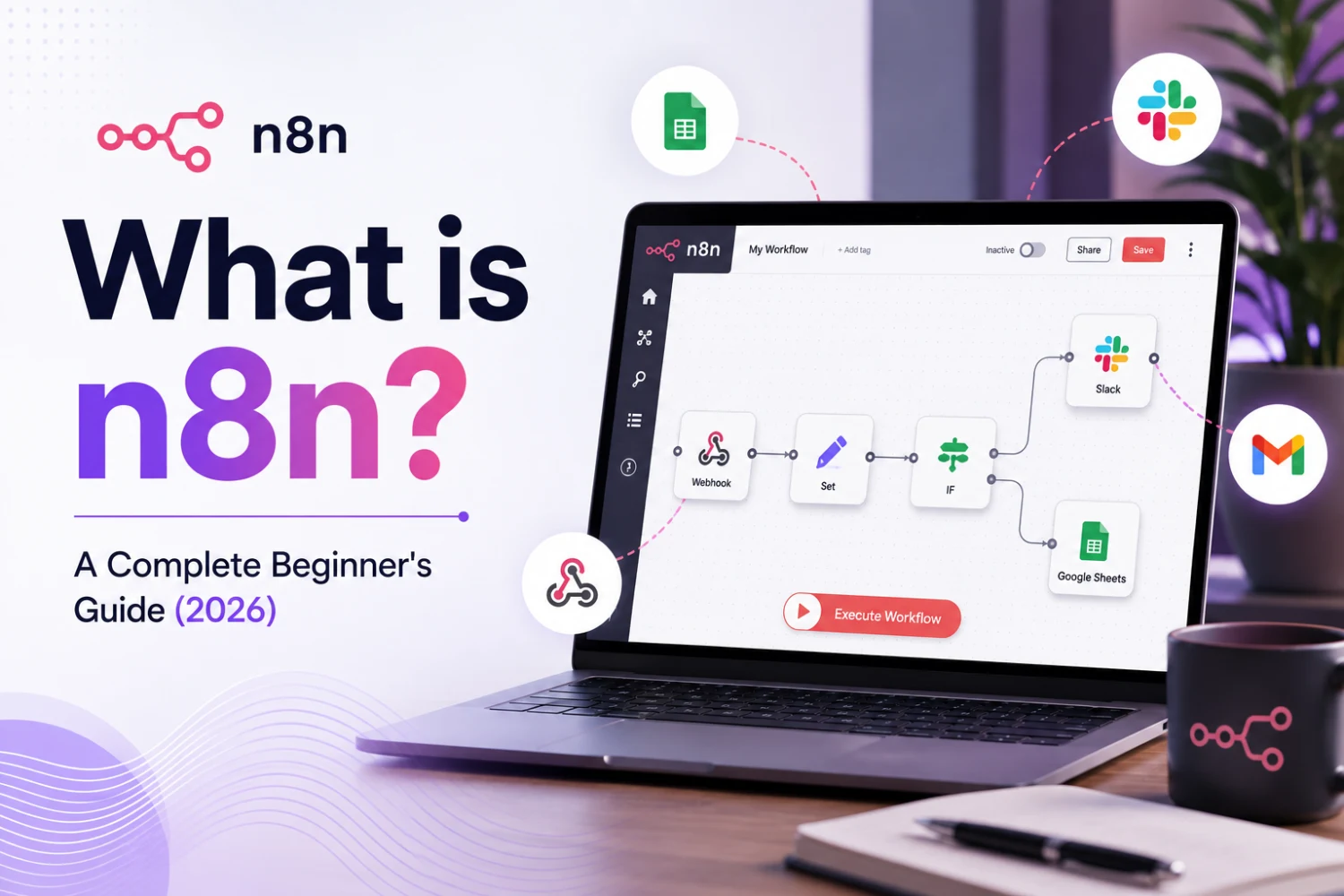
n8n uses a visual workflow builder where users create automation using connected "nodes."
A workflow typically follows this process:
Trigger
A workflow begins when an event occurs.
Examples:
- New website form submission
- New email received
- Customer places an order
- Webhook request
- Scheduled time
Processing
n8n processes the data by:
- Filtering information
- Running conditions
- Transforming data
- Calling APIs
- Executing JavaScript
- Using AI models
Action
The workflow performs one or more actions.
Examples:
- Send WhatsApp message
- Update CRM
- Create support ticket
- Store data
- Send email
- Notify team members
Everything runs automatically in seconds.
Why is n8n Becoming Popular in 2026?
Several factors have contributed to n8n's rapid growth:
- Open-source flexibility
- Self-hosting capability
- AI integration
- Low-code workflow builder
- Advanced API support
- Large library of integrations
- Cost-effective automation
- Enterprise scalability
Unlike many SaaS automation platforms, n8n gives businesses complete control over their workflows and data.
Key Features of n8n
1. Visual Workflow Builder
Users can create automation workflows using a drag-and-drop interface without extensive programming knowledge.
2. 500+ Integrations
n8n connects with hundreds of popular applications, including:
- Google Workspace
- Slack
- Microsoft Teams
- HubSpot
- Salesforce
- WhatsApp Business API
- Shopify
- WooCommerce
- Stripe
- MySQL
- PostgreSQL
- OpenAI
- Gmail
- Telegram
It also supports custom APIs.
3. AI Workflow Automation
One of n8n's biggest advantages is its ability to integrate with modern AI models.
Businesses can automate:
- AI chatbots
- Document summarization
- Content generation
- Customer support
- Lead qualification
- Email writing
- Data analysis
4. API Integration
n8n makes it easy to connect with almost any REST API.
This allows businesses to integrate custom applications that may not have built-in connectors.
These follow-ups help recover potential lost bookings.
5. Custom JavaScript
Developers can write JavaScript inside workflows to perform advanced logic and transformations.
This makes n8n far more flexible than many no-code platforms.
6. Self-Hosting
Unlike many automation tools, n8n can be hosted on your own server.
Benefits include:
- Complete data ownership
- Enhanced security
- Better compliance
- Unlimited customization
7. Workflow Scheduling
Automations can run:
- Every minute
- Hourly
- Daily
- Weekly
- Monthly
- On-demand
- Via webhooks
Common Business Use Cases
Lead Management
Automatically:
- Capture website leads
- Store them in CRM
- Notify sales teams
- Send welcome emails
Customer Support
Integrate:
- AI chatbots
- Helpdesk software
- CRM
to automate ticket creation and customer responses.
HR Automation
Automate:
- Resume processing
- Candidate screening
- Interview scheduling
- Employee onboarding
Marketing Automation
Automatically:
- Send newsletters
- Generate social media posts
- Publish blog content
- Score leads
- Track campaigns
Finance
Automate:
- Invoice generation
- Payment reminders
- Expense approvals
- Financial reporting
E-commerce
Sync:
- Orders
- Inventory
- Customers
- Shipping updates
- Payment confirmations
between multiple platforms.
Benefits of Using n8n
Reduces Manual Work
Employees spend less time on repetitive tasks.
Improves Productivity
Automation allows teams to focus on high-value work.
Faster Business Processes
Tasks that previously took hours now finish in seconds.
Better Data Accuracy
Automation reduces human errors.
Lower Operational Costs
Businesses require fewer manual processes.
Highly Scalable
New workflows can be added as the business grows.
WhatsApp Automation vs Traditional Booking Systems
| Feature | n8n | Traditional Automation Platforms |
|---|---|---|
| Open Source | ✅ | Usually No |
| Self Hosting | ✅ | Limited |
| AI Integration | Excellent | Moderate |
| API Flexibility | High | Moderate |
| Custom Coding | Yes | Limited |
| Cost | Lower | Subscription-based |
| Workflow Customization | Extensive | Limited |
Who Should Use n8n?
n8n is ideal for:
- Startups
- SMEs
- Enterprises
- SaaS companies
- Marketing agencies
- E-commerce businesses
- Healthcare organizations
- Educational institutions
- Hospitality businesses
- Manufacturing companies
Any organization looking to automate repetitive tasks can benefit from n8n.
Best Practices for Building n8n Workflows
To build efficient workflows:
- Start with simple automations.
- Use descriptive workflow names.
- Test workflows before deployment.
- Add error handling and notifications.
- Secure API credentials.
- Document complex workflows.
- Monitor workflow performance regularly.
Why Choose True Value Infosoft for n8n Automation?
At True Value Infosoft, we help businesses unlock the full potential of workflow automation with customized n8n solutions.
Our expertise includes:
- n8n Workflow Development
- AI Workflow Automation
- WhatsApp Business API Integration
- CRM & ERP Integration
- Custom API Development
- Business Process Automation
- AI Agent Development
- Cloud Deployment
- Automation Consulting
- Ongoing Support & Maintenance
Whether you need to automate sales, marketing, HR, finance, customer support, or operations, our team designs secure, scalable workflows tailored to your business.
Conclusion
n8n has become one of the most powerful workflow automation platforms available in 2026. Its open-source architecture, AI capabilities, extensive integrations, and flexibility make it an excellent choice for businesses seeking to streamline operations and reduce manual work.
Whether you're looking to automate customer communication, integrate business applications, or build intelligent AI workflows, n8n provides the tools to make automation simple and scalable.
If you're ready to transform your business with intelligent automation, True Value Infosoft can help. Our experts design, implement, and optimize custom n8n workflows that improve efficiency, reduce costs, and accelerate business growth.
Contact True Value Infosoft today to discover how n8n automation can help your organization work smarter.